

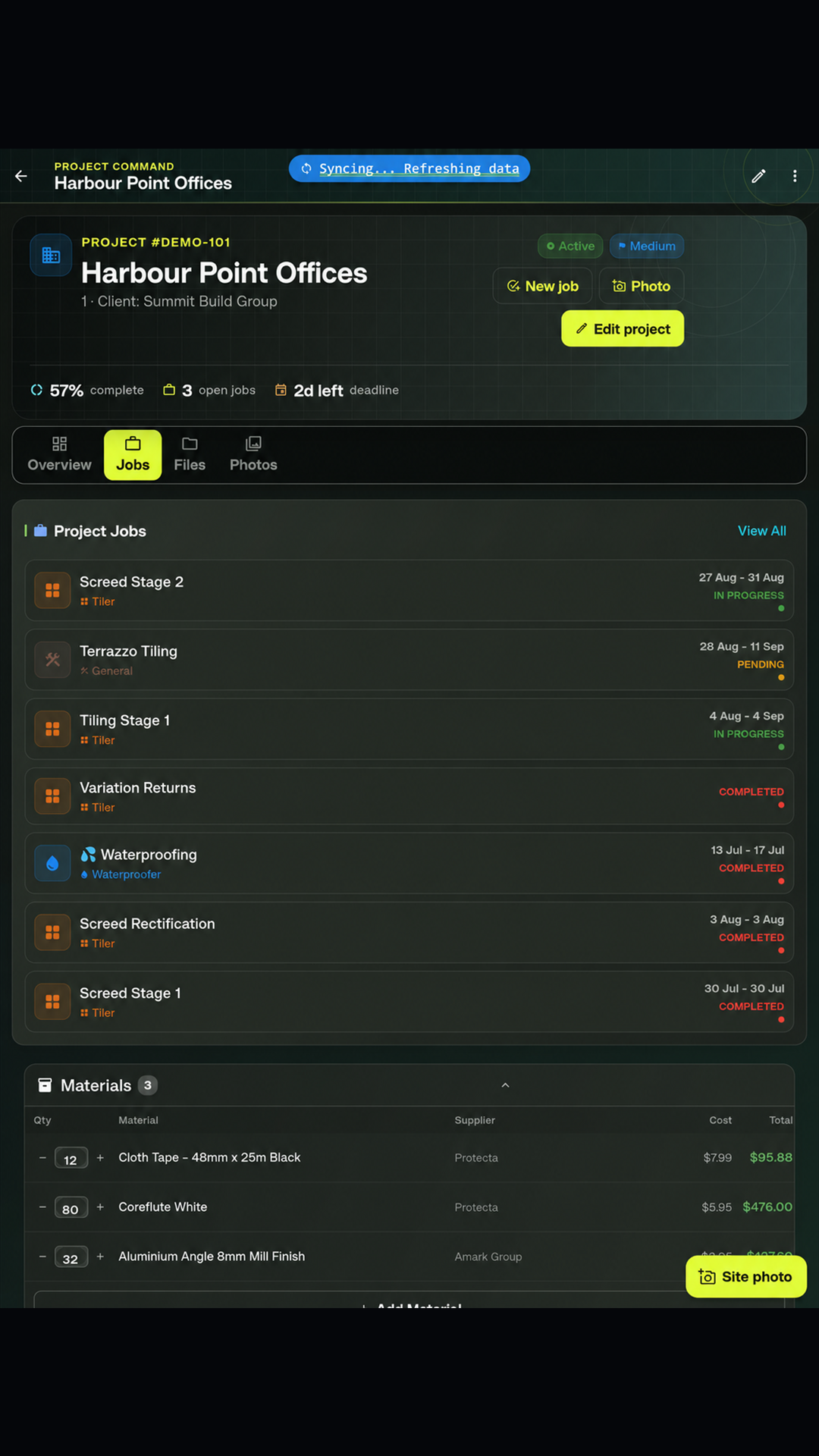
01 · Plan
Every project starts clear.
Turn work into structured projects and jobs. Assign people, record scope, track progress and keep the whole team aligned around what happens next.
Explore plansAn offline-first construction site management app for iPhone, iPad, Android and Windows. Run your site diary, capture photo documentation, track jobs and inventory, and deliver professional daily reports—without the admin drag.
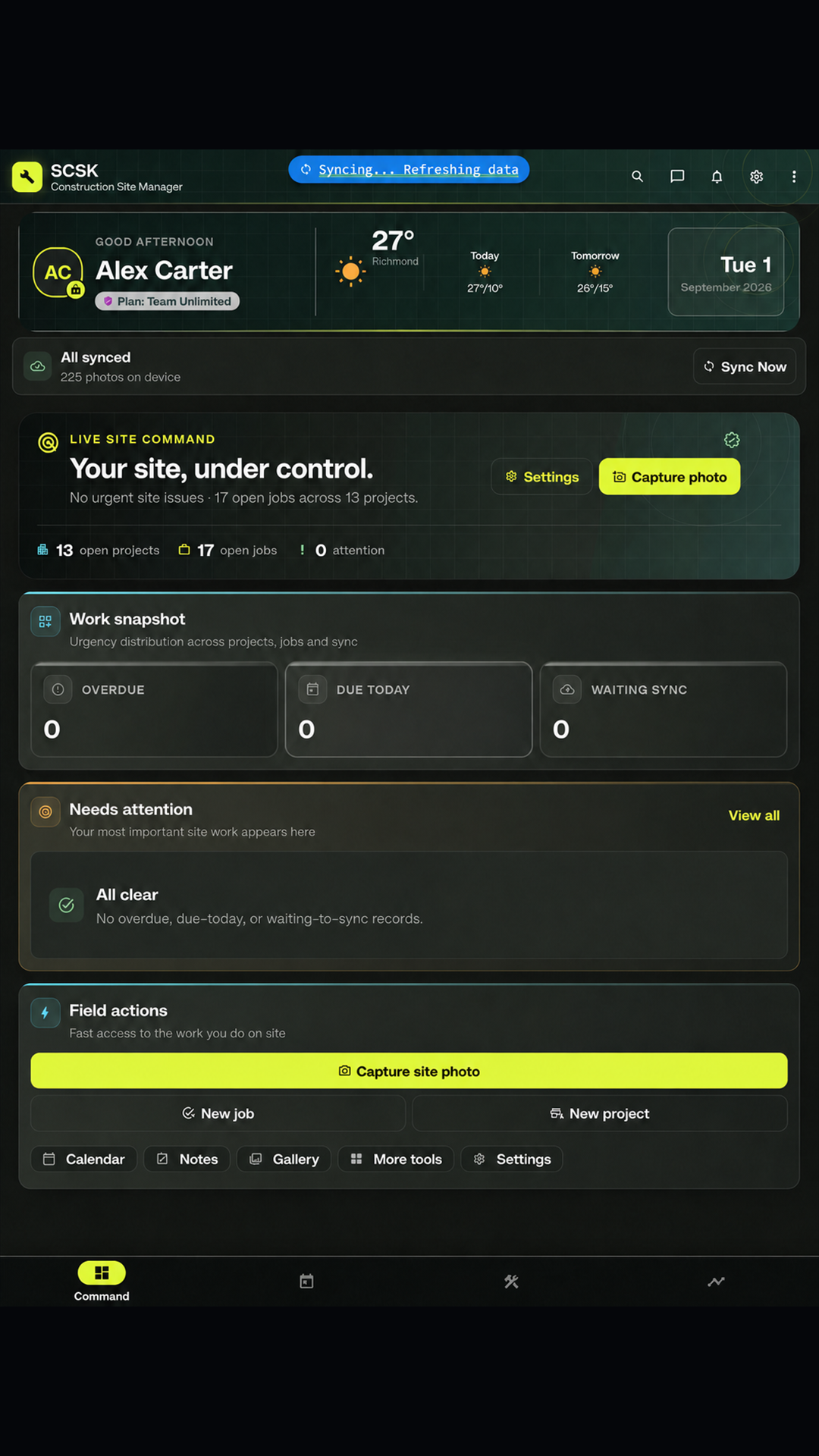
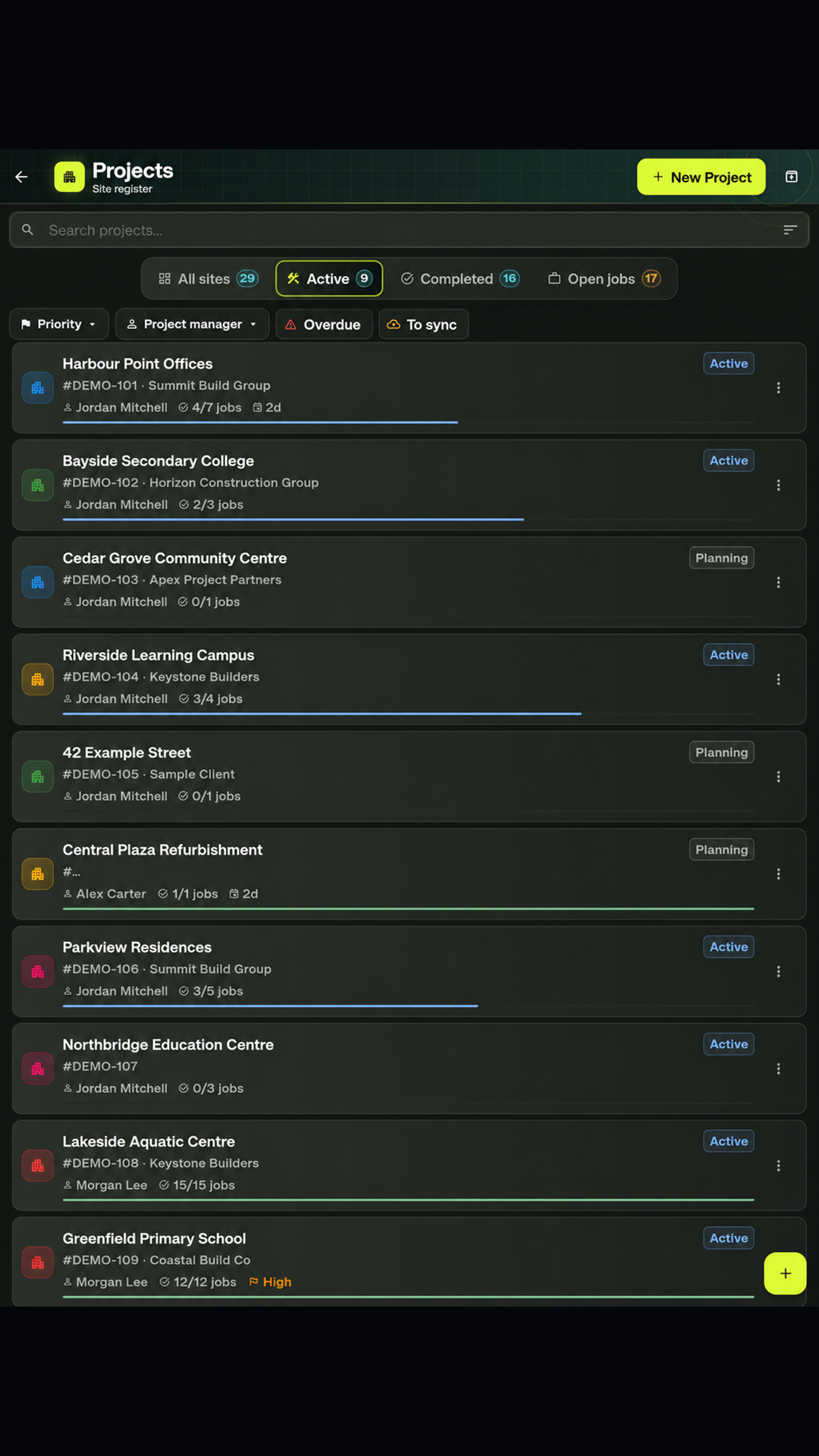
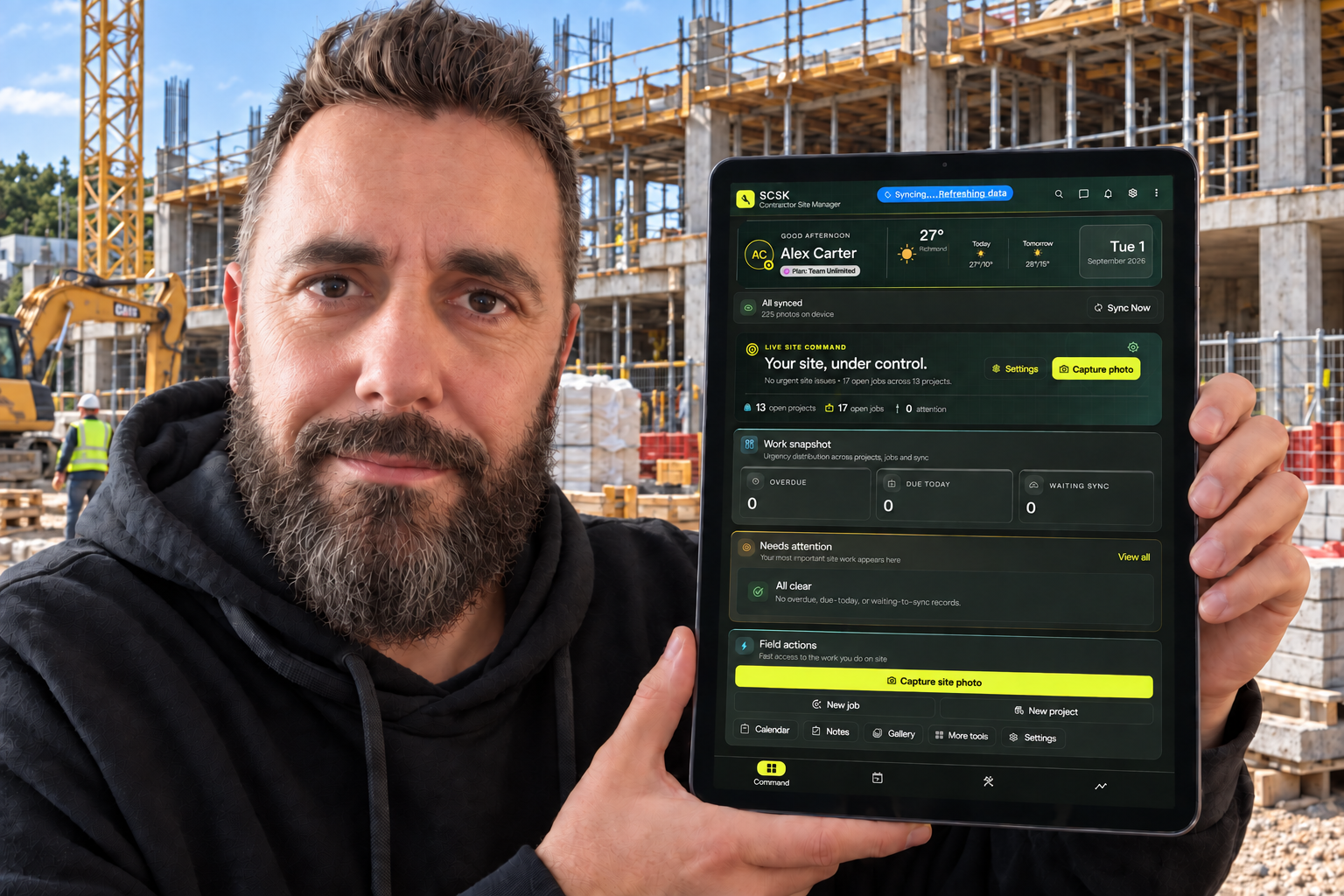
Scattered photos, paper checklists and late reports create risk. SCSK gives every job a clear, structured record—while the work is actually happening.
Move through the SCSK workspace. Each view is designed to make the next decision clearer—and the project record stronger.
From the first scope to the final report, SCSK keeps the details organised, visible and ready for action.
Turn work into structured projects and jobs. Assign people, record scope, track progress and keep the whole team aligned around what happens next.
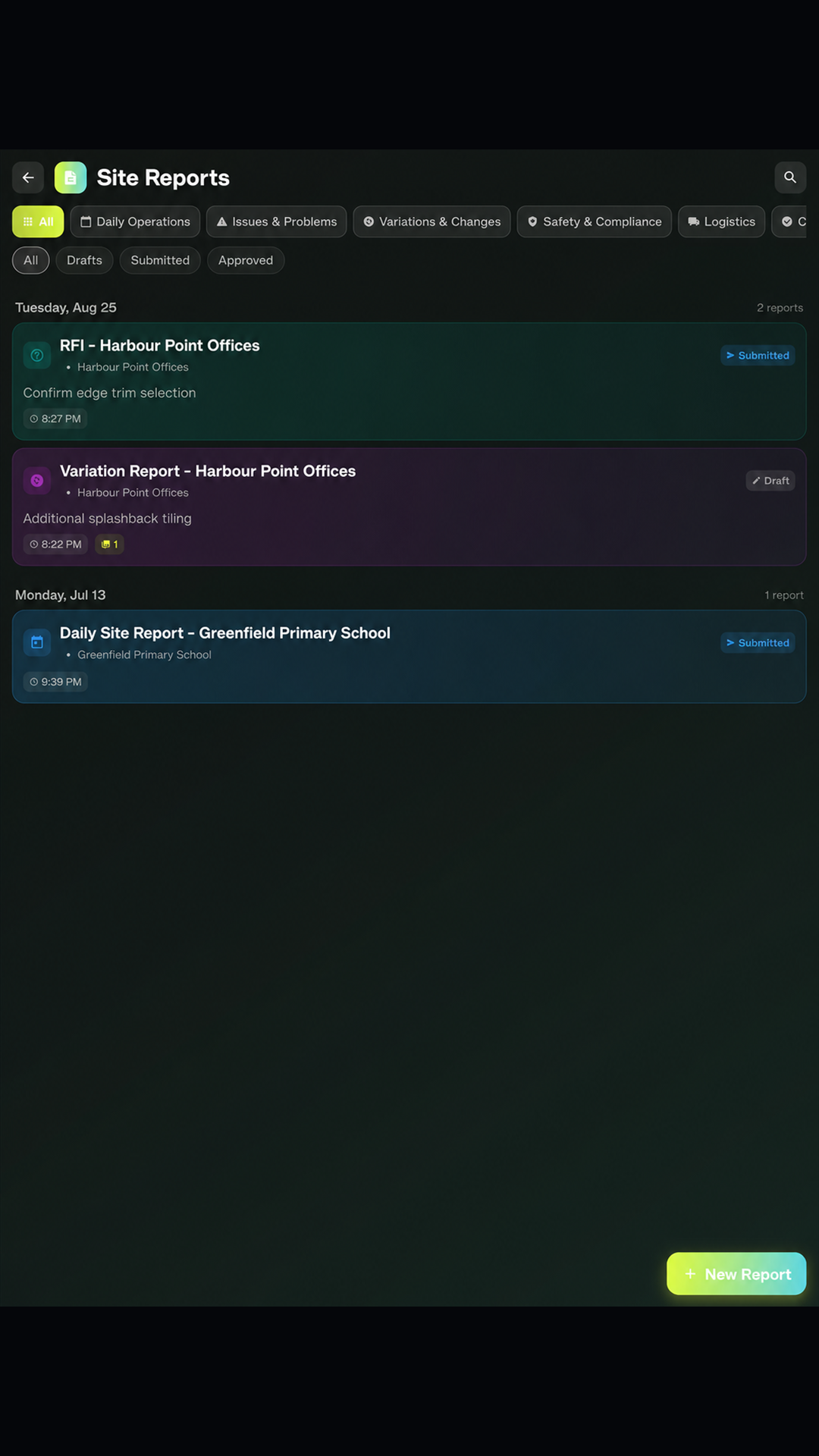
Explore plansCreate daily reports, variations and other site records against the work they belong to, with clear status and submission tracking.
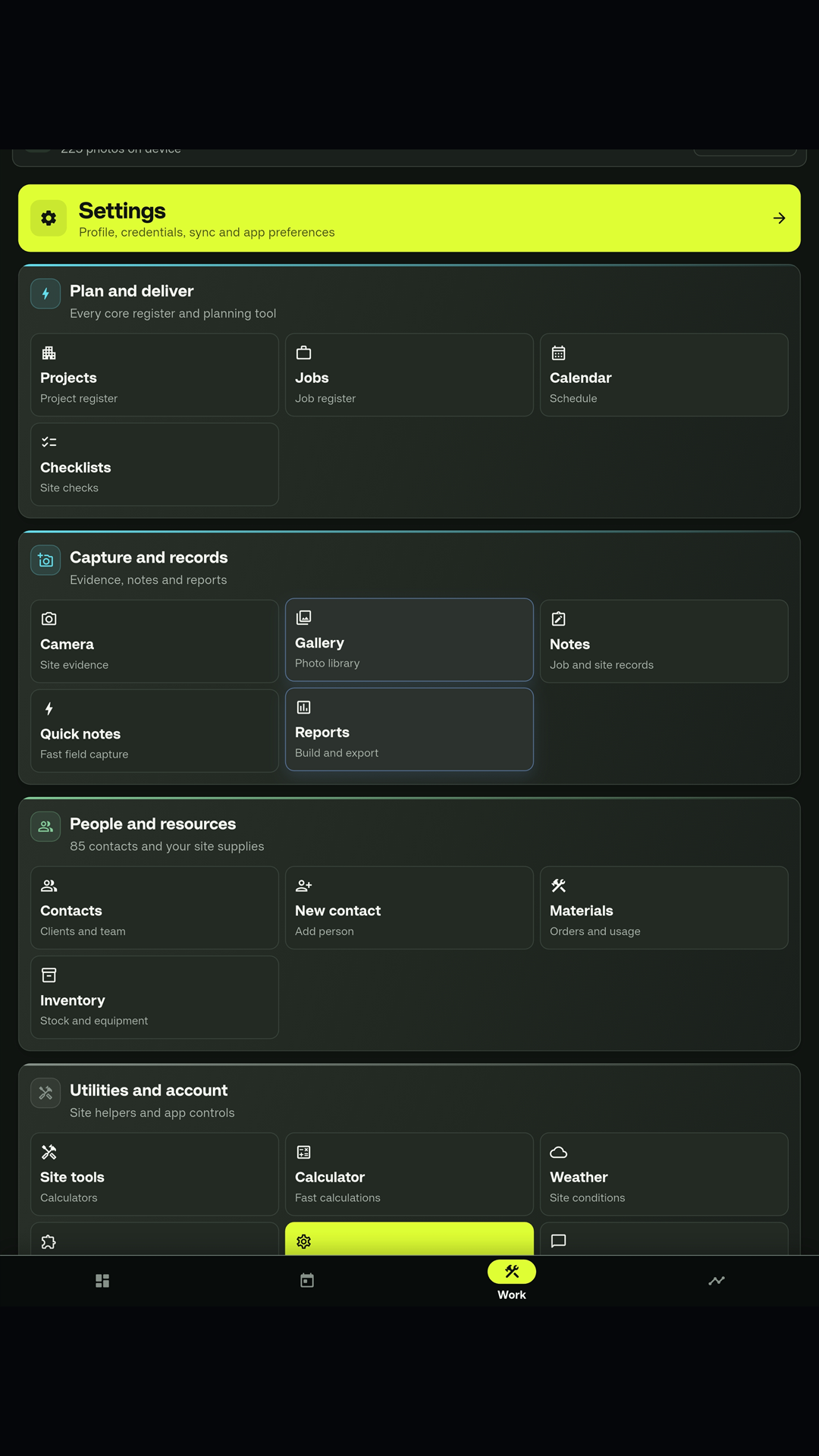
See field toolsOpen projects, jobs, checklists, reports, calculators and weather without leaving the field workflow.
See how SCSK worksThree steps turn daily site activity into an organised, accountable project record—site diary, photo evidence and daily report, all in one pass.
Create the project, break it into jobs and make the scope visible before boots hit site.
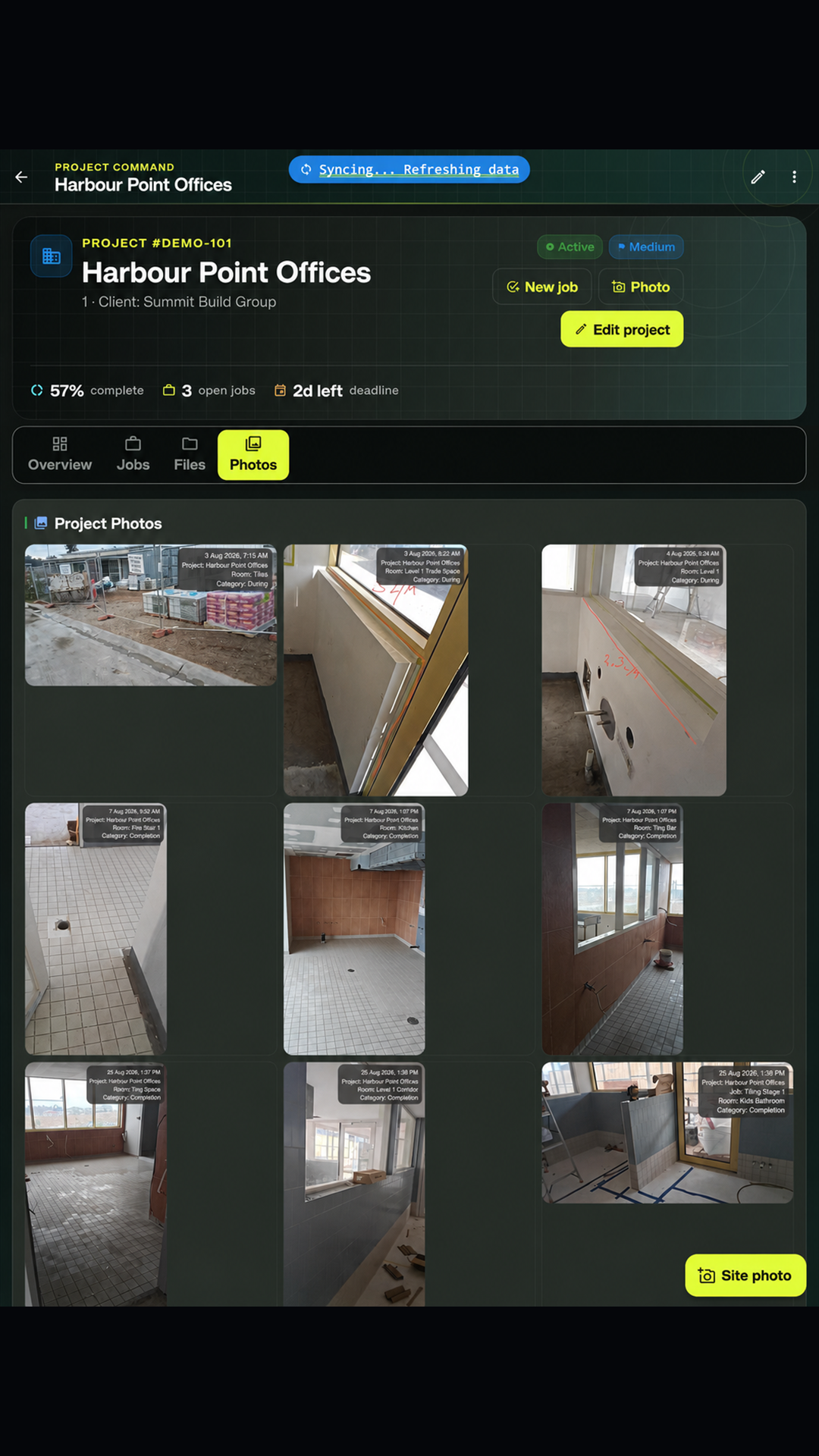
Record progress, photos, notes, materials and checks as the work moves forward.
Turn a complete project history into clear records for the office and the client.
Purpose-built tools replace the patchwork of notes, spreadsheets and disconnected apps that slow teams down.
Fast, practical calculators across 19 construction categories.
Job-linked evidence with the context kept intact.
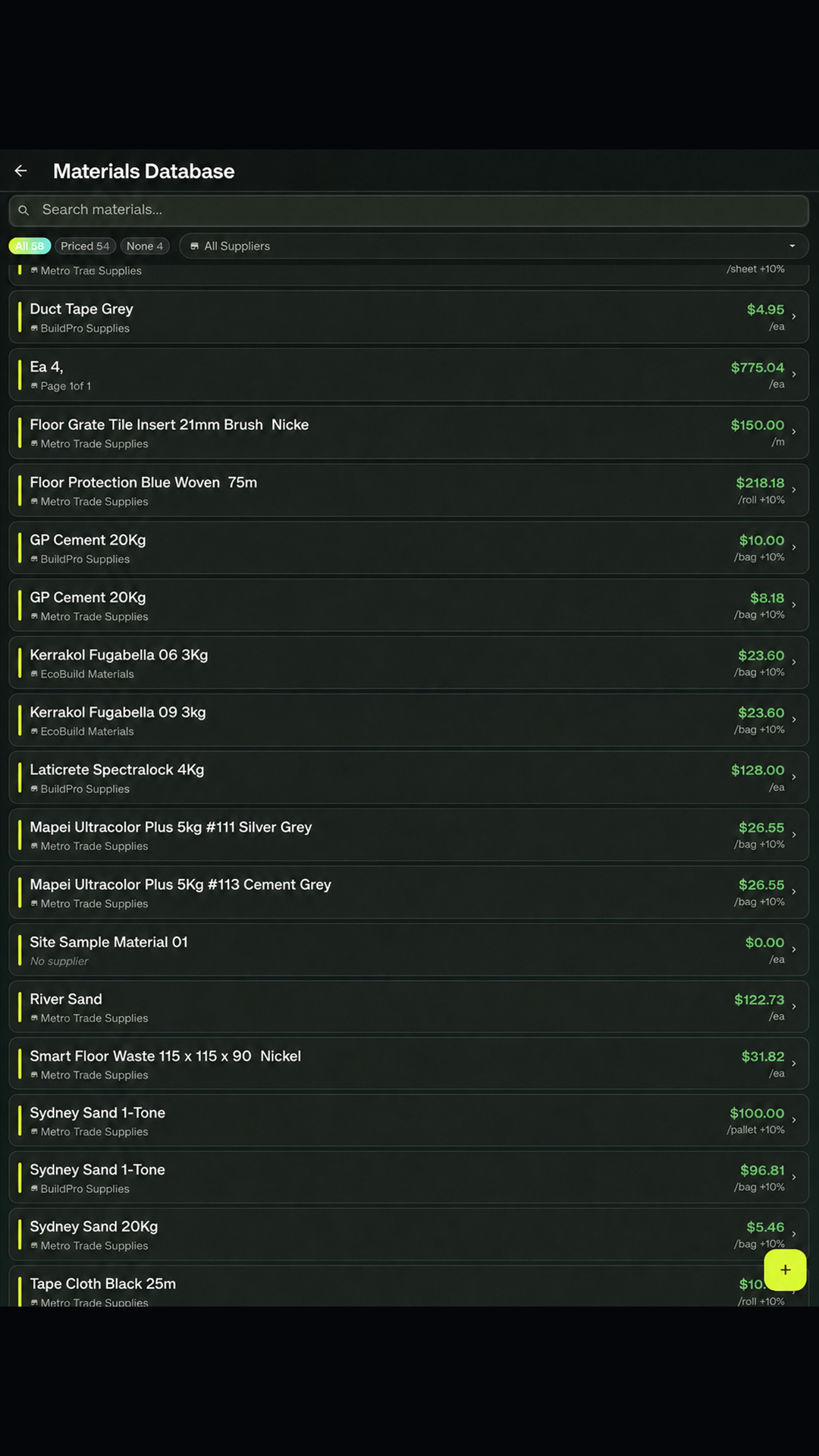
Know what is available, allocated and running low.
Standardise recurring work and keep completion visible.
SCSK is built around a large-screen workspace. On an Android tablet, an iPad or a Windows desktop you get the full layout—wide job lists, side-by-side detail panes, large photo review and full-width reporting. Phones run the same app and the same data, but the interface is necessarily more compact, so heavy planning and reporting sessions are better done on a bigger screen.
Available now on iPhone, iPad, Android and Windows
Reliable field tools should protect continuity, access and the integrity of the project record—including full offline work when site reception drops out.
Keep core work moving through patchy reception and synchronise when a connection returns.
Give team members the visibility they need while keeping business controls with the right people.
Modern authentication and Firebase infrastructure help move records securely between authorised devices.
SCSK is built around real construction work, not assumptions. Your feedback, frustrations and ideas help decide what we improve next—and every suggestion is read.
Open the feedback portalShare an idea, pain point or workflow that would make SCSK better on site.
Your feedback reaches the people building SCSK—not an unread suggestion box.
Real user needs help guide fixes, refinements and future features.
Yes. SCSK is designed offline-first, so core field work can continue when reception is poor. Changes synchronise when connectivity returns.
Yes—and the office is where SCSK is at its best. It is available for iPhone, iPad, Android and Windows, with full tablet and desktop layouts for planning and reporting.
SCSK is optimised for larger screens—Android tablets, iPad, and Windows laptops and desktops. On those, you get the full workspace: wide job lists, side-by-side detail panes, large photo review and full-width reporting. Phones are fully supported and share the same data and offline behaviour, but the layout is more compact, so planning and reporting sessions are more comfortable on a tablet or desktop.
Projects, jobs, teams, site photos, checklists, inventory, trade calculations and professional project records are brought into one connected system.
Yes. Starter, Solo Pro and Team options let you begin with the capability that fits your operation and move up as your needs grow.
Less chasing. Better records. A clearer view of every project—from iPhone and iPad to Android and Windows.