Solo Pro
Full access for one user across up to 3 devices.
$14.99/mo
- Unlimited projects and jobs
- Photo documentation and annotation
- Cloud sync, backup, exports
- All trade calculators
Choose the operating level that fits your business—from one construction professional to a multi-site team. SCSK connects iPhone, iPad, Android and Windows with the field tools it is built around.
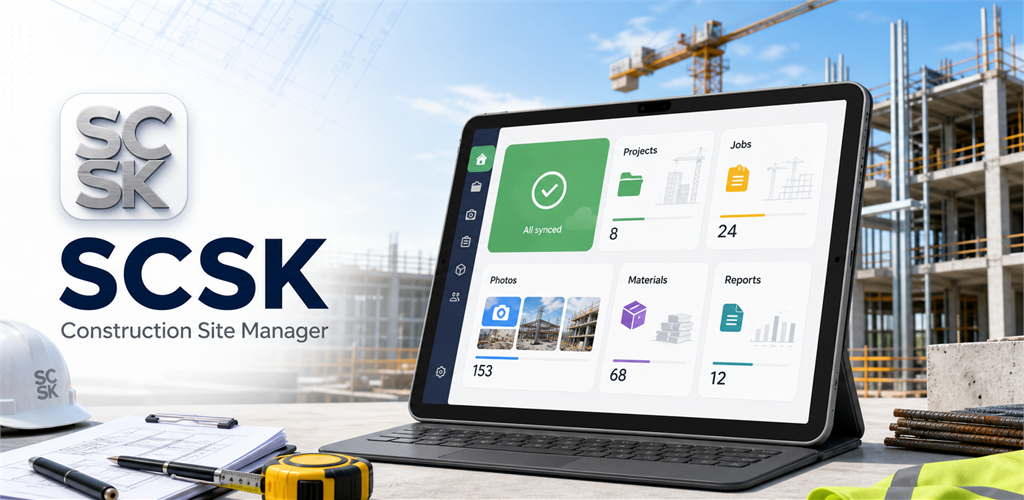
Start work offline, sync when connected, and review project records from the Windows desktop app.
Every paid plan includes iPhone, iPad, Android and Windows access, cloud sync, exports, trade calculators, offline-first operation and an ad-free workspace.
Website annual billing saves 20%. The prices below are AUD totals for PayPal checkout. You can subscribe here on the website and use the same SCSK account across supported platforms. iPhone and iPad users can also subscribe inside SCSK through the App Store, while Android users can subscribe through Google Play. Store prices are localized and may differ from the AUD website price below.
Full access for one user across up to 3 devices.
Team access for small crews and subcontractors.
For active teams needing roles and broader access.
For larger crews and companies with many users.
Pay securely in PayPal. After payment, you will return to SCSK to set the email that becomes your app login and activates this subscription tier.
Use the direct website subscription when you install the Windows app and want paid access without going through Google Play.
You can subscribe in Google Play or use the same account after buying through the website once billing is connected.
Subscribe here on the website or inside SCSK through the App Store. If you subscribe through Apple, you can restore the purchase inside the app using the same Apple account.
Team plans support shared projects, member permissions, and admin controls for supervisors and office staff.
Use the same email for PayPal and your SCSK account. When the PayPal subscription is activated, SCSK can attach it to your account automatically, or claim it when you create the account afterward. For team plans, create your organization from the subscription area in the app.